How to Play
Everything you need to grow a happy colony.
Your first minutes
The easiest way to learn is the Tutorial Colony. On the colony chooser tap Play tutorial colony, or open the menu, tap How to play, then the gold tutorial button. It walks you through 17 short steps with glowing hints, and it never touches your real saves.
Prefer to jump in? Tap New colony, give it a name, and follow these basics:
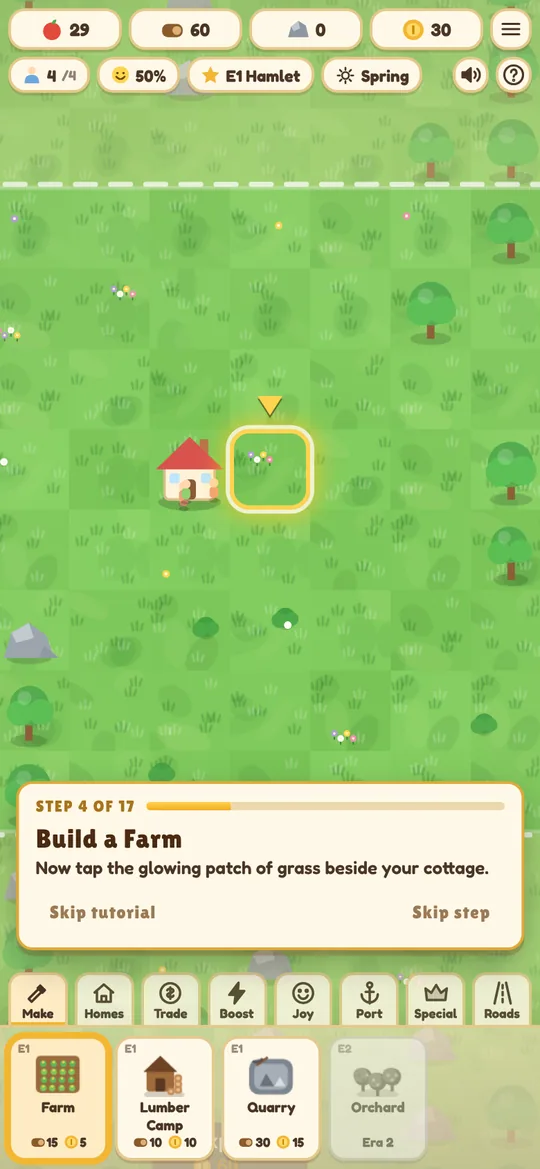
Building and placing
- Big buildings need a road beside them. Small homes and huts can go anywhere.
- Shore buildings such as ports, docks and fishing spots must touch the water.
- Landmarks are one of a kind. Build each once, move it later if you like, but it can never be removed.
- Bridges must connect to a road or another bridge.
- Tap a building to select it. From there you can upgrade, move or remove it (landmarks cannot be removed).
- Drag the map to look around, and pinch or scroll to zoom. Buy new land at the edge of your colony to expand.
Some buildings get a bonus from their surroundings: Lumber Camps like neighboring trees, Quarries like rocks, and Farms near a Well make more food.
Resources
| Resource | What it does |
|---|---|
| Food | Made by farms and orchards. Feeds a growing colony. |
| Wood | Made by lumber camps. Needed for almost every building. |
| Stone | Made by quarries and mines. Used for sturdier buildings and roads. |
| Coins | Earned by markets, workshops and banks. The main currency for later eras. Quests, the traveling merchant and golden sparkles also give coins. |
Some buildings use resources to run, such as a Workshop spending wood and stone. If you run short, they pause until you have enough.
The top bar also shows Villagers , Happiness and your Era .
The bigger world
Since version 1.1.0 your colony sits in a much larger world. Beyond your land you will find continents, oceans, seas and rivers. Rivers flow, lakes shimmer, and bridges carry roads and rails across the water. New colonies start on guaranteed land, and expanding chunk by chunk reveals the rest.
Old colonies are safe: every tile you already own stays exactly as it was, and the new world appears in the land you expand into.
World railways are rare: only 3 to 5 long lines cross the whole world, each ending in a tunnel. Freight trains ride them all day, but they do not stop in your colony until you build a station or an Exchange Depot beside the line. Ships sail the seas and planes cross the sky the same way.
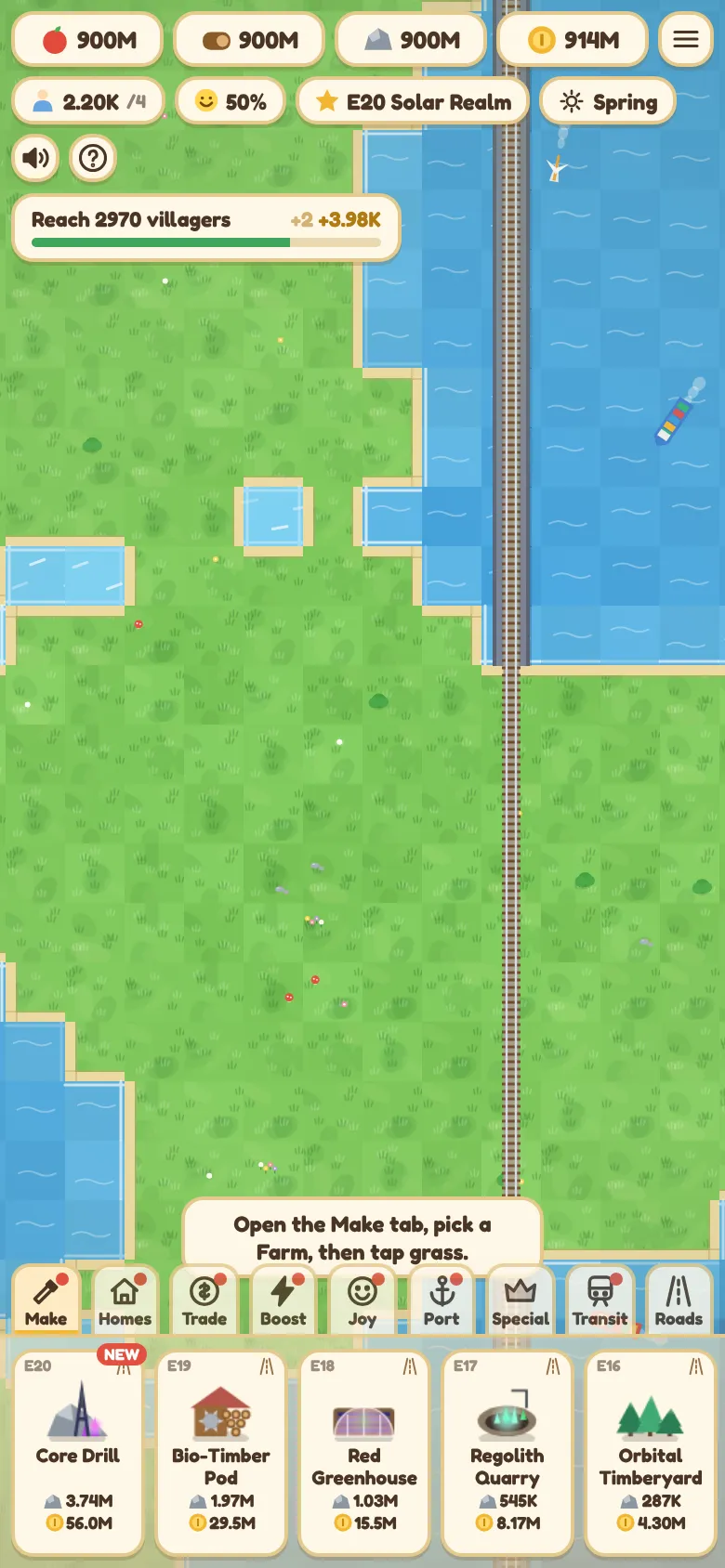
Stations and travel
The Transit tab holds 24 stations. Each one boosts the buildings around it, and every station you own brings more tourists and events to your colony.
| Type | Where to build | What it does |
|---|---|---|
| Train stations Train Station, Grand Central, Maglev Terminal | Beside the world railway | World freight trains stop and drop coins, wood and stone. Boosts trade buildings nearby. |
| Exchange depots Exchange Depot, Freight Exchange, Continental Exchange | Where your own Rail Line touches a world railway | World freight trains stop and trade for big piles of coins, wood and stone. The longer your connected rail network, the more you earn. |
| Airports Airfield 3x3, Airport 5x5, International 7x7, Sky Harbor 9x9 | Clear flat ground for the airport plus one runway row | Planes park at stands and never collide. Passenger planes bring coins. Cargo planes bring coins, wood and stone. Boosts trade buildings nearby. |
| Harbors Harbor Terminal, Freight, Cruise, Ocean Gateway | On the shore | Ships dock here. Boosts shore buildings nearby. |
| Commuter stations Commuter, Express Rail Hub, Hyperloop Hub | On your own Rail Line | Rail cars run between linked stations and drop coins, wood and stone. Boosts every producer nearby. |
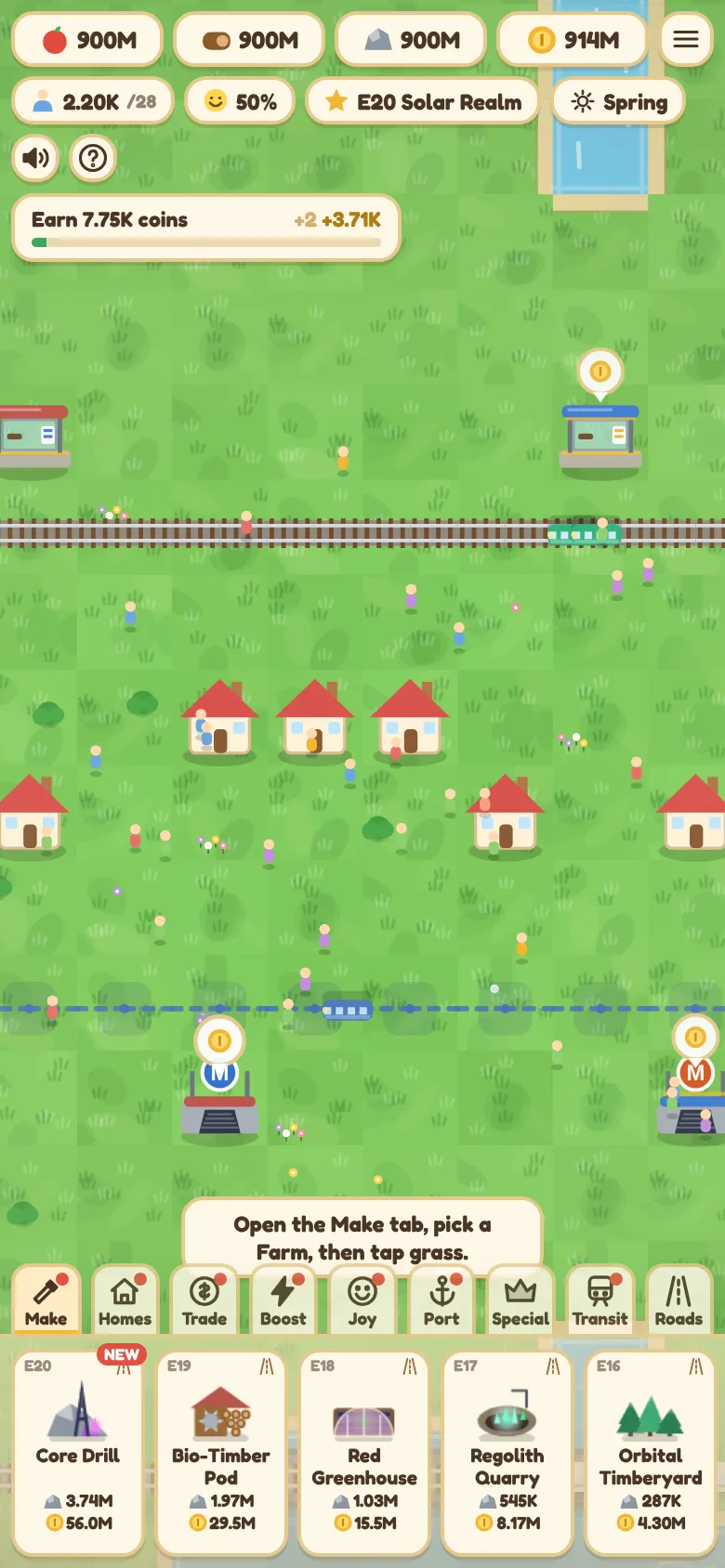
| Metro stations Metro Station, Interchange, Quantum Metro Hub | On or beside a Subway Line | Underground trains carry passengers who pay coins. Boosts every producer nearby. |
| Highway stops Toll Plaza, Service Station, Truck Stop, Highway Hub | Beside a highway | Collect tolls and speed up goods. Boosts nearby buildings. |
Lines: pick the Rail Line (Era 6) or Subway Line (Era 9) tool in the Roads tab and drag across the grass to lay track. A subway runs under anything on land. Stations on the same line count as a network: the more you connect, the bigger every station's boost. A lone station only gives a small one.
Highways
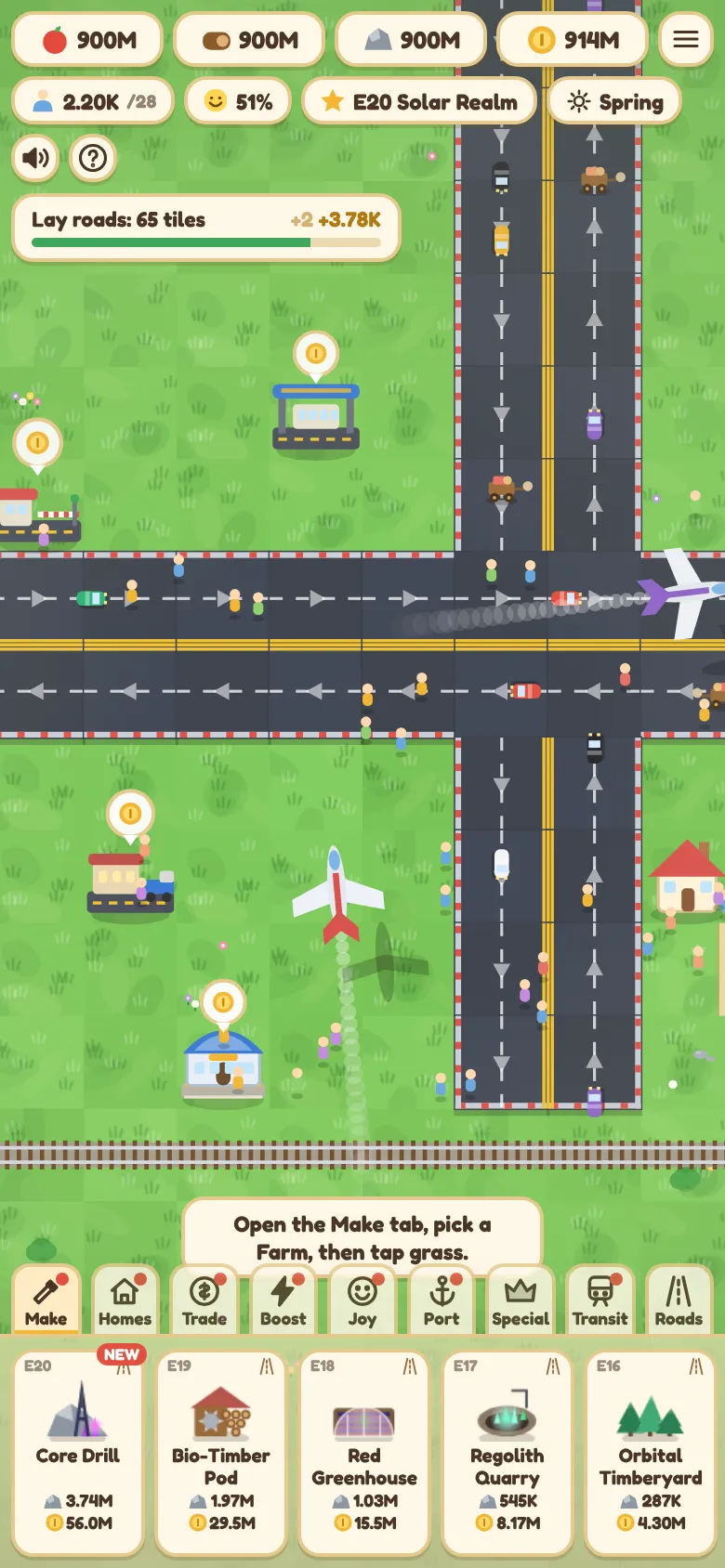
The Highway (Era 7) is a big structure that takes two tiles side by side. Drag along one row and the game lays both tiles, with two lanes each way, and orients the lanes to your drag. Cars of all kinds run along it. It rises over railways on ramps, turns into a steel bridge over water, and joins normal roads smoothly at the ends. The busier the highway gets, the bigger its bonus to buildings beside it (up to +28%).
Place a Toll Plaza, Service Station, Truck Stop or Highway Hub beside it for even more.
Highway turns
Drag a highway along the ground and change direction: the game builds a smooth curved turn out of a 2x2 block, with an inner and an outer lane. Traffic keeps to the right on every highway and follows the curve. Turns need open ground and cannot cross railways. Erase any piece of a turn to remove all of it.
Traffic
Once your town has a few dozen villagers, cars start to fill the streets. Every home counts the buildings around it, and every highway nearby pours extra cars into the local roads. If the roads cannot carry them, the home is stuck in traffic and its happiness drops. Tap the traffic chip at the top of the screen to see how the town is doing: Smooth, Busy, Heavy or Jammed. Jammed streets glow orange and red and cars brake there.
| How to fix it | What it does |
|---|---|
| Bigger roads | Drag a Cobble or Paved Road over an old Dirt Path. Better roads carry many more cars. Roads beside highway ramps matter most. |
| Relief buildings | Bus Stop, Signal Post, Transit Hub, Traffic Control Center and Sky Shuttle Port (Joy tab) lower traffic for homes within their range. |
| Rail and metro | Stations and airports take commuters off the road and ease the whole town a little. |
Game modes
Pick a mode when you create a new colony. It cannot be changed later.
| Mode | What it is |
|---|---|
| Normal | The standard game. Eras open as your colony grows and as you spend time playing it. |
| Creative | Unlimited coins, wood, stone and food. Every building and all land is unlocked. No goals or disasters. Design your city freely. Creative colonies do not appear on the leaderboard. |
| Hardcore | The same world, but harder: buildings and roads cost more, production is lower, villagers eat more and eras open later. |
Leaderboard
Sign in with Google from the start screen, open Account and tap Leaderboard. Join with a display name to rank among all players for coins, wood, stone and apples earned over your lifetime. Your best Normal or Hardcore colony counts. You can leave the leaderboard at any time, which removes your entry.
Care and safety
Your colony can fail, and when it does, villagers can get hurt. Four things cause trouble:
| Problem | What happens |
|---|---|
| Starvation | When food stays at zero, villagers get sick, and after a long while some are lost. |
| Overcrowding | Far more villagers than homes causes sickness and, if it gets extreme, losses. |
| Unrest | Very low happiness leads to accidents and fights. |
| Accidents | Busy highways can have crashes, and airports can have hard landings. Care buildings make them far less likely. |
A warning pops up before things get bad, so you have time to fix them. Injured villagers wear bandages, a red + number appears at the top, and they slow your production a little until they recover.
Care buildings are in the Joy tab: Clinic, Hospital, Fire Station, Police Station, Rescue Station and Disaster Center. Each adds Care; the bigger your colony, the more Care you need. Higher care means faster healing and fewer accidents. Villagers who are lost are shown with rising stars, and your colony never falls below two villagers.
Roads and lines
Roads are how your colony connects. Every producer next to a road earns a bonus, and roads make villagers happier too.
Bridges let you cross water. They unlock in Era 3. Rails and highways cross water on their own.
Happiness and growth
Happy villagers grow your colony faster. Raise happiness with Joy buildings such as Wells, Parks, Plazas and Fountains: each one cheers up a few homes within a certain distance. Roads add a little happiness as well. Hospitals speed up population growth, and landmarks add a production bonus to your whole colony.
Eras
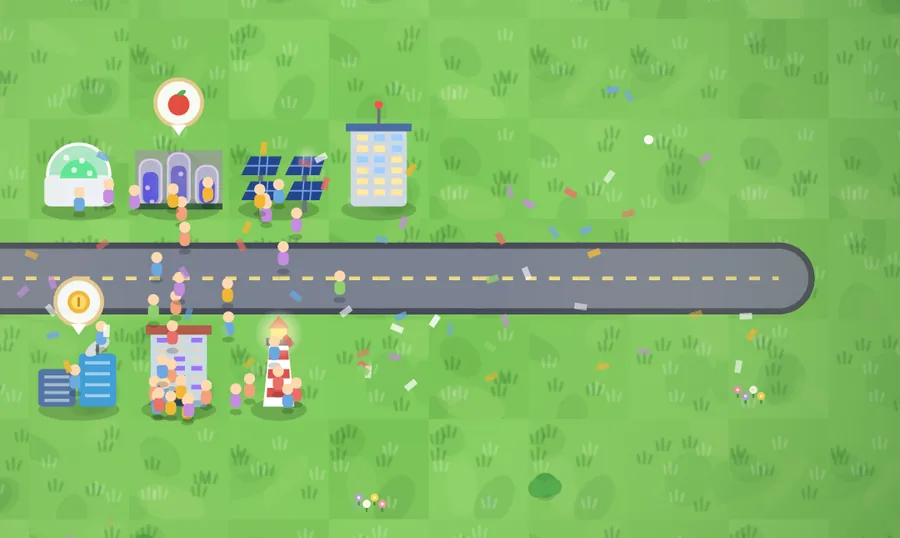
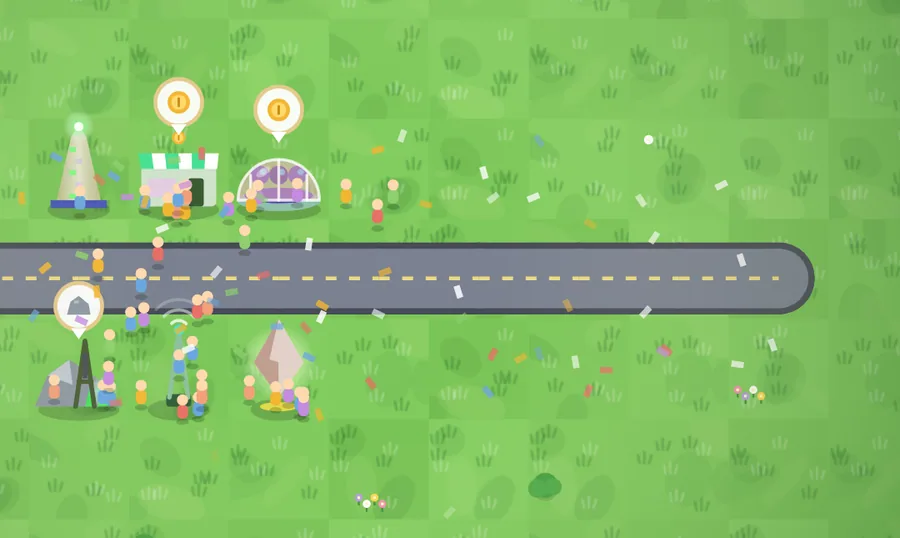
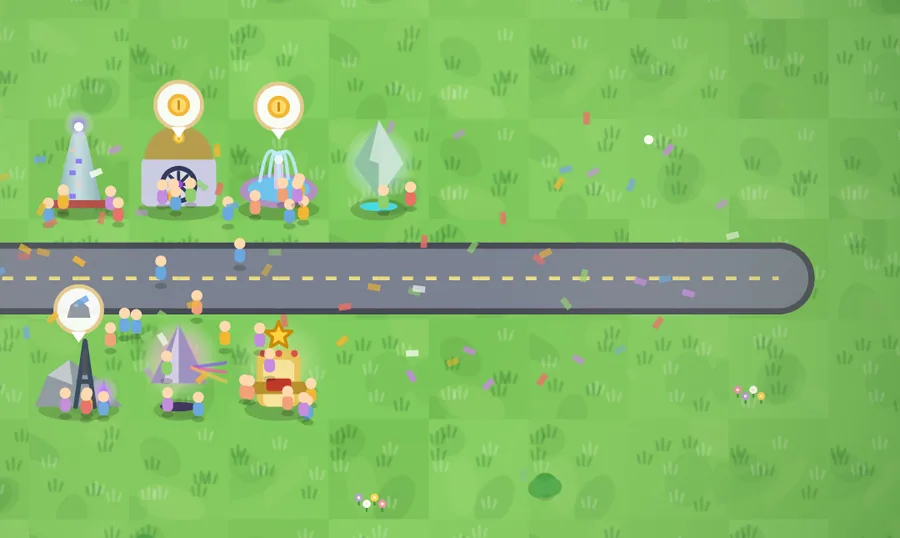
Your era depends on how many villagers live in your colony and on how long you have been playing it, so eras open at a steady pace. There are of them. Each era unlocks new buildings. Locked buildings appear greyed out with their era shown. The first era is the Hamlet, and the journey ends at the legendary final era.
Weather and seasons
The world changes as you play. There are four seasons and several kinds of weather.
| Weather | Effect |
|---|---|
| Clear | Normal production. |
| Rain | Farms make 25% more food. |
| Storm | Production is cut in half. |
| Fog | A calm, quiet day. |
| Snow | Farms make 30% less food. |
| Heatwave | Farms make less food, but Markets earn more coins. |
| Wind | Lumber camps make 20% more wood. |
Events and quests
Things happen in your colony all the time. Watch for a traveling merchant, golden sparkles to tap, a bumper harvest, a feast, and visiting tourists, explorers and travelers. They are short and friendly bonuses.
A quest banner at the top always gives you a goal, such as earning a number of coins. Complete it for a reward and get a fresh one.
Colonies and saving
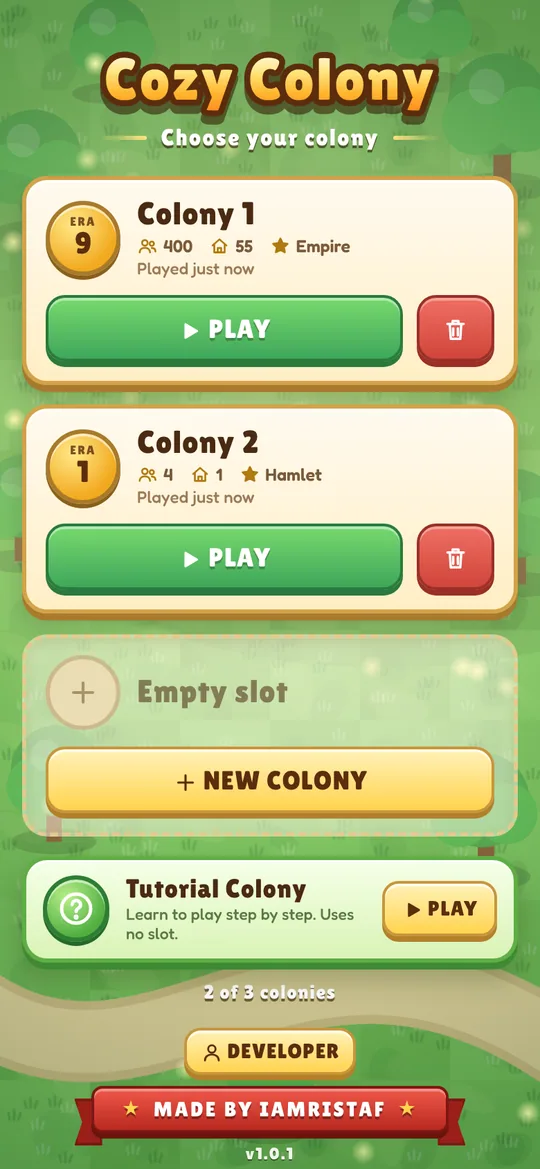
You have three colony slots. Start a different colony in each one and switch between them from the menu (Colonies). Your game saves automatically on your device. You can also tap Account and sign in with Google to back up your colonies online, so they survive a reinstall or a new phone. Updates never erase your colonies.
The menu also has sound sliders for master volume, music, effects and nature sounds, a Center button to jump back to your town, and info about the developer.
Quick tips
- Place a Well near your farms for a +40% food bonus.
- Keep a road along your busiest streets. It is cheap and it pays off.
- Build homes before you build many producers, so you have villagers to do the work.
- Do not forget to collect. Full buildings stop producing until you tap their bubble.
- Check the Boost tab. Windmills, Town Halls and Power Plants lift everything near them.
- Stuck? Re-play the tutorial colony any time.